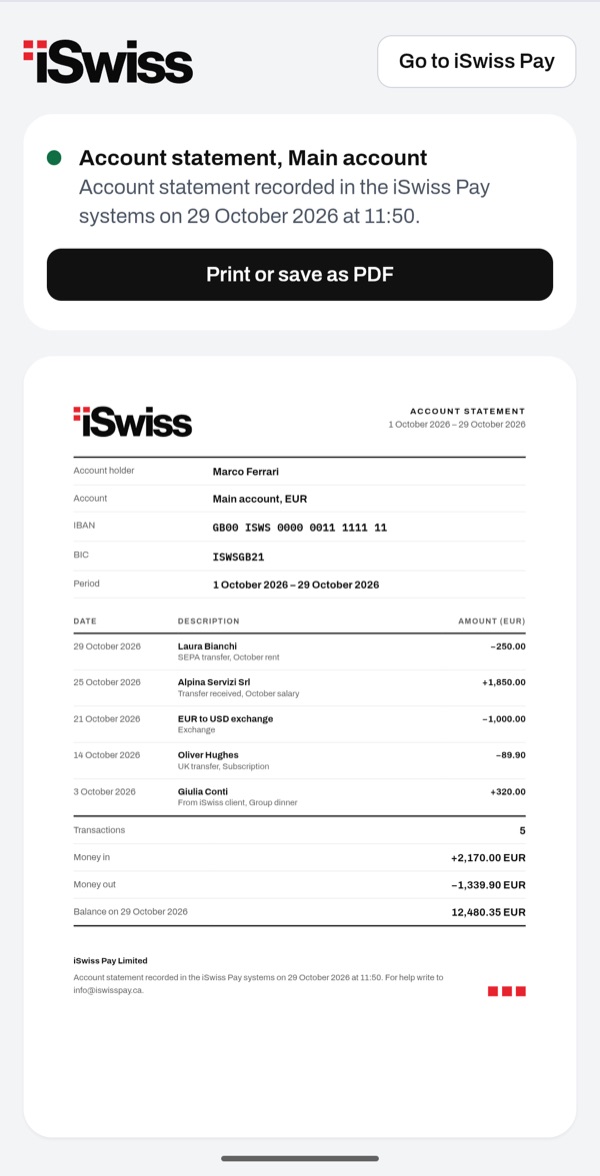
The account statement sums up the transactions of one of your accounts over a period, with money in, money out and closing balance. You prepare it from Home in a few taps. Then you can save it as a PDF or print it.
- 11
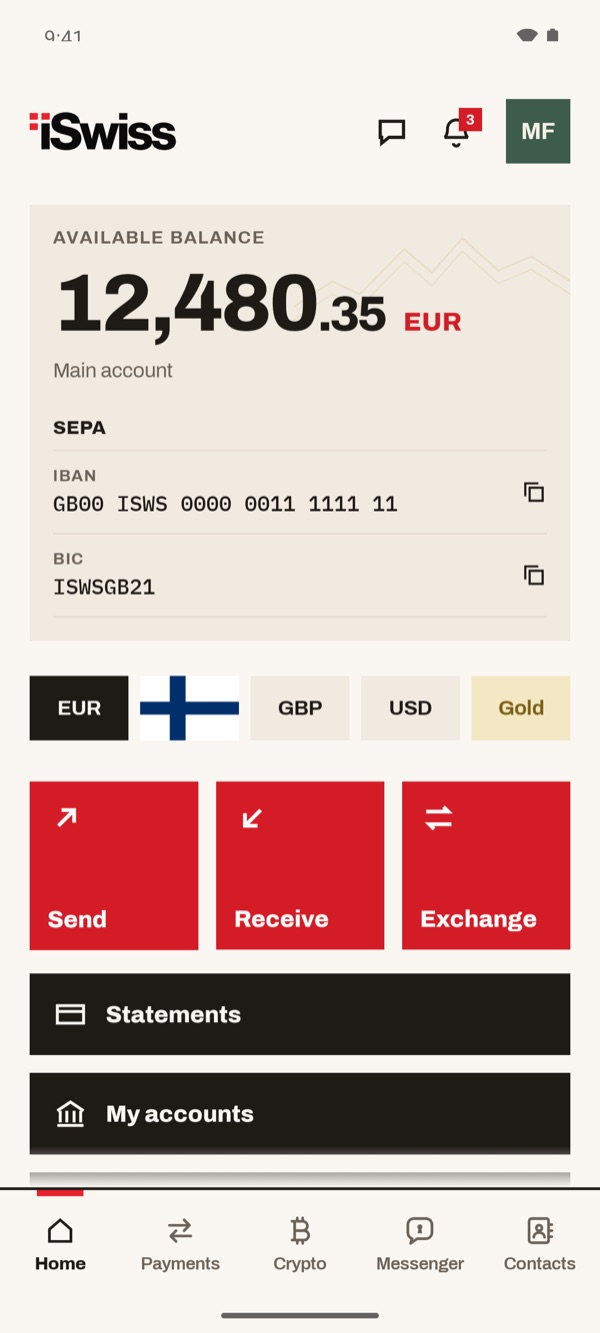
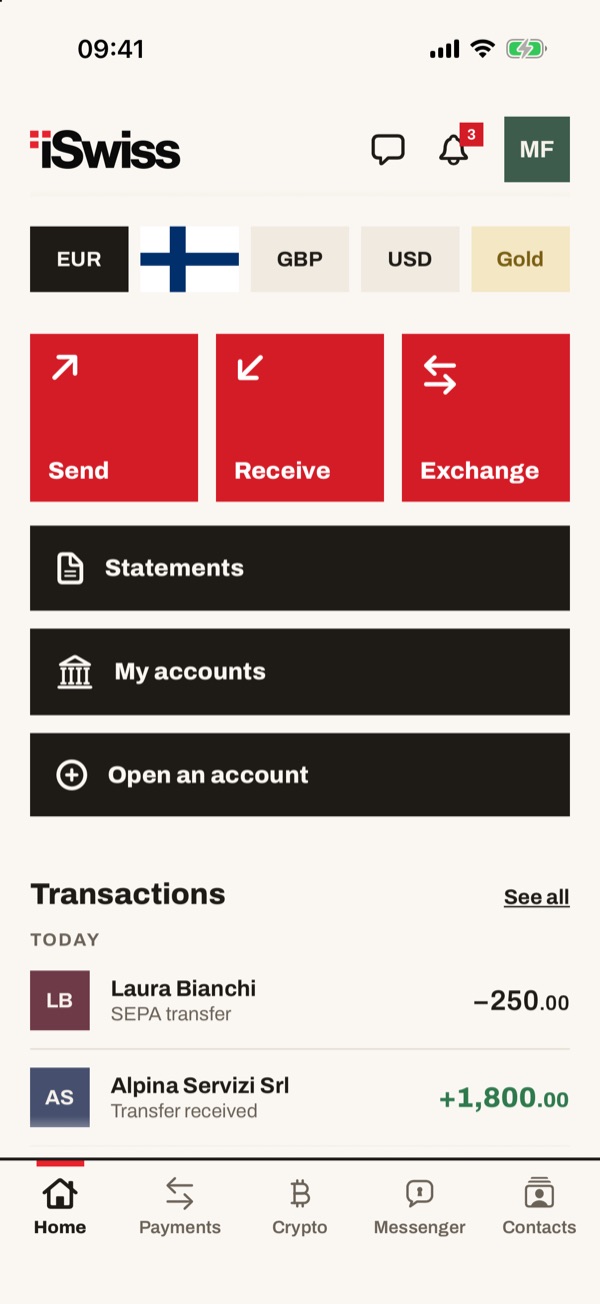
Tap “Statements” in Home
In Home, below “Send”, “Receive” and “Exchange”, tap “Statements”.
- 22
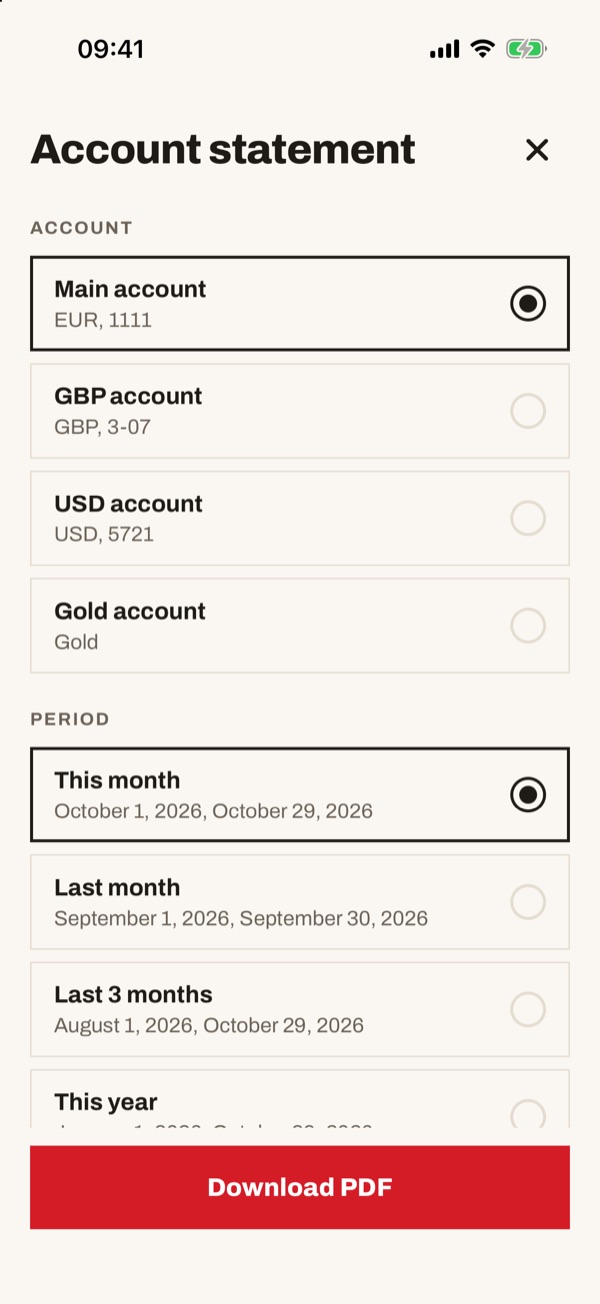
Choose the account
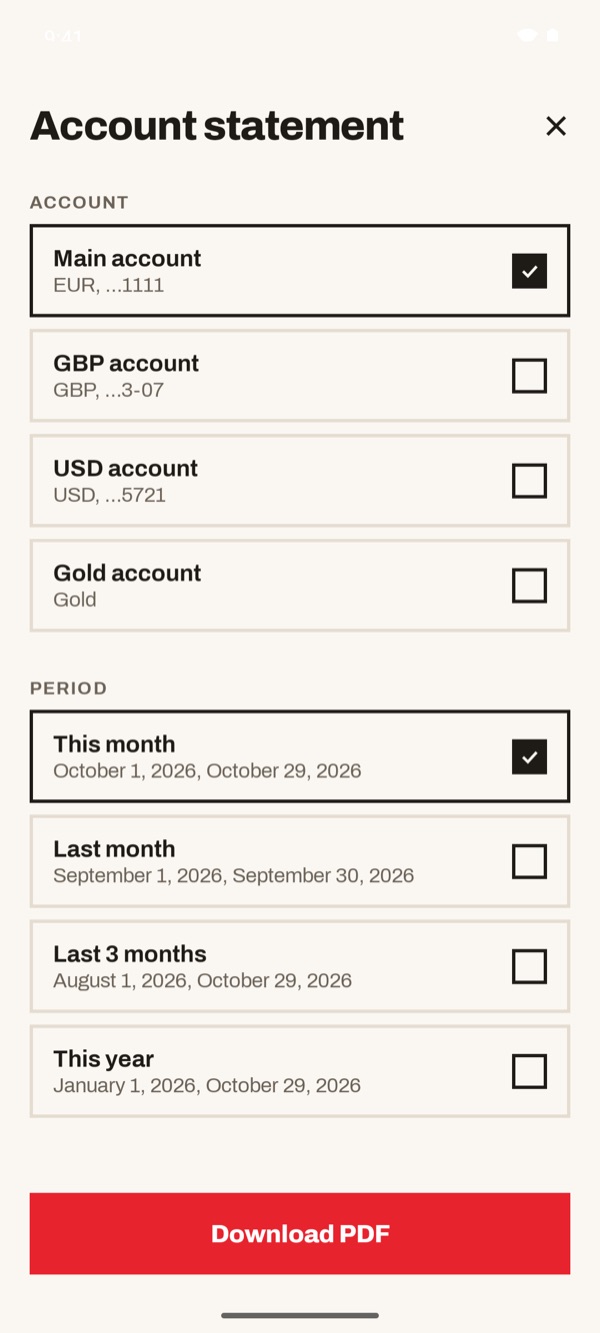
On the “Account statement” screen, under “ACCOUNT”, tap the account you need: “Main account”, “GBP account”, “USD account” or “Gold account”. Further down, under “PERIOD”, choose the period too.
On the “Account statement” screen, under “ACCOUNT”, tap the account you need: “Main account”, “GBP account”, “USD account” or “Gold account”.
- 33
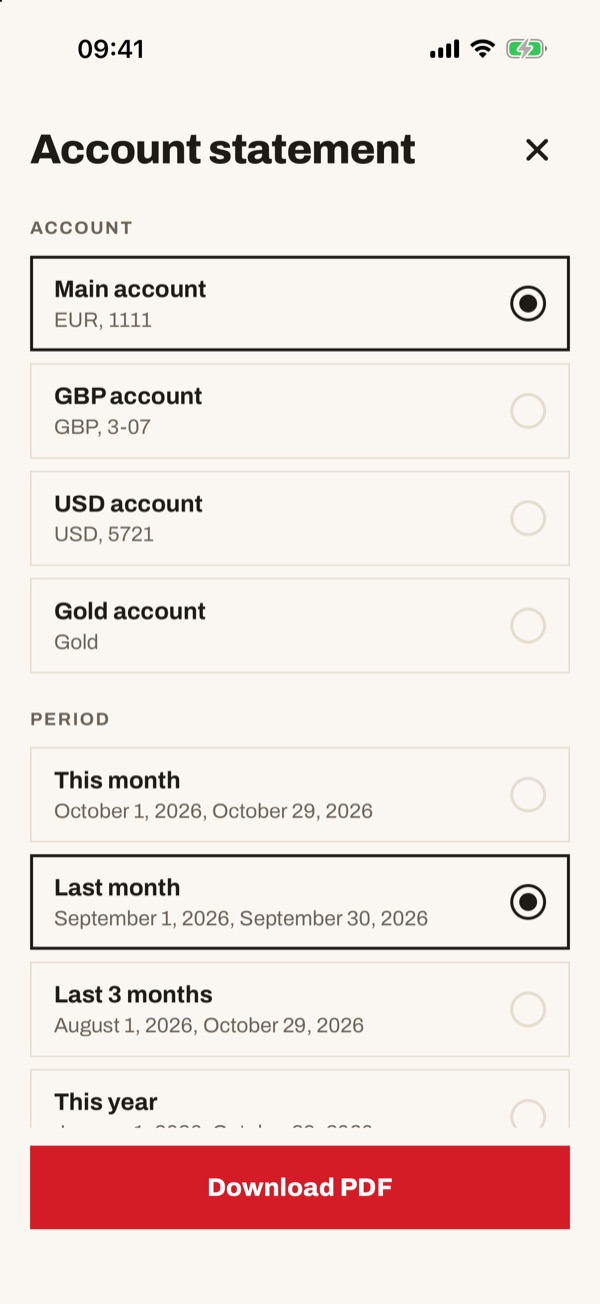
Choose the period and download
Under “PERIOD” choose “This month”, “Last month”, “Last 3 months” or “This year”: below each option you see the exact dates. Then tap “Download PDF”.
- 44
Save or print the statement
The statement opens, with holder, account, IBAN, period, the list of transactions and the totals for money in, money out and balance. Tap “Print or save as PDF” to keep it or send it.