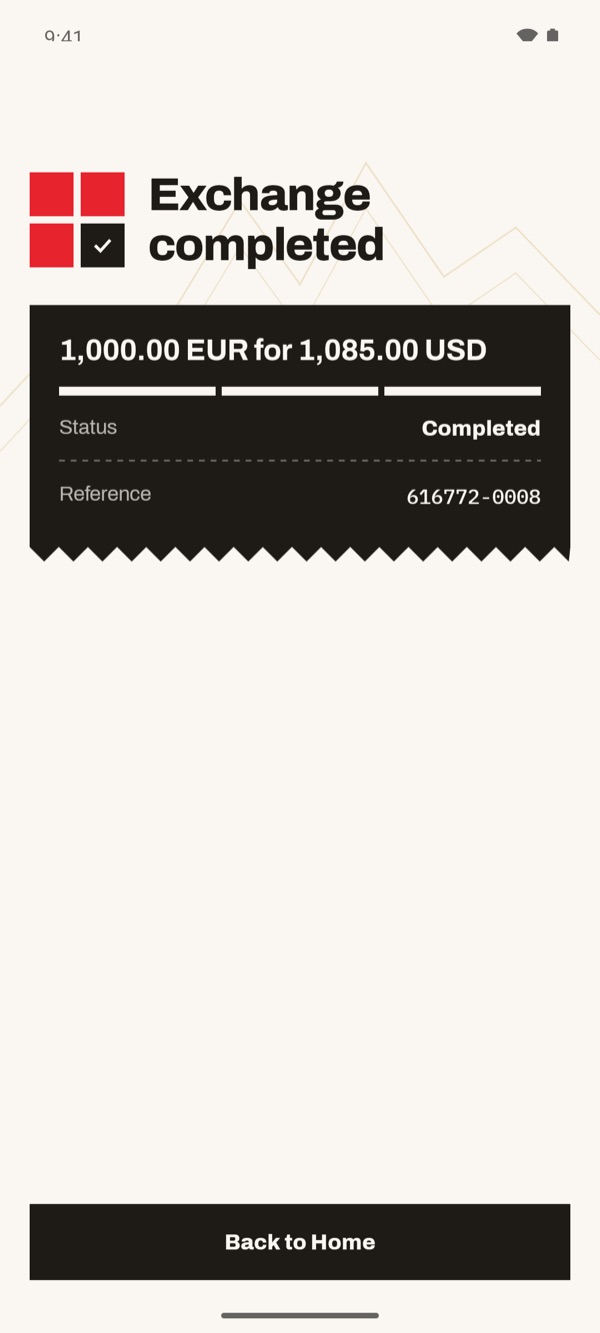
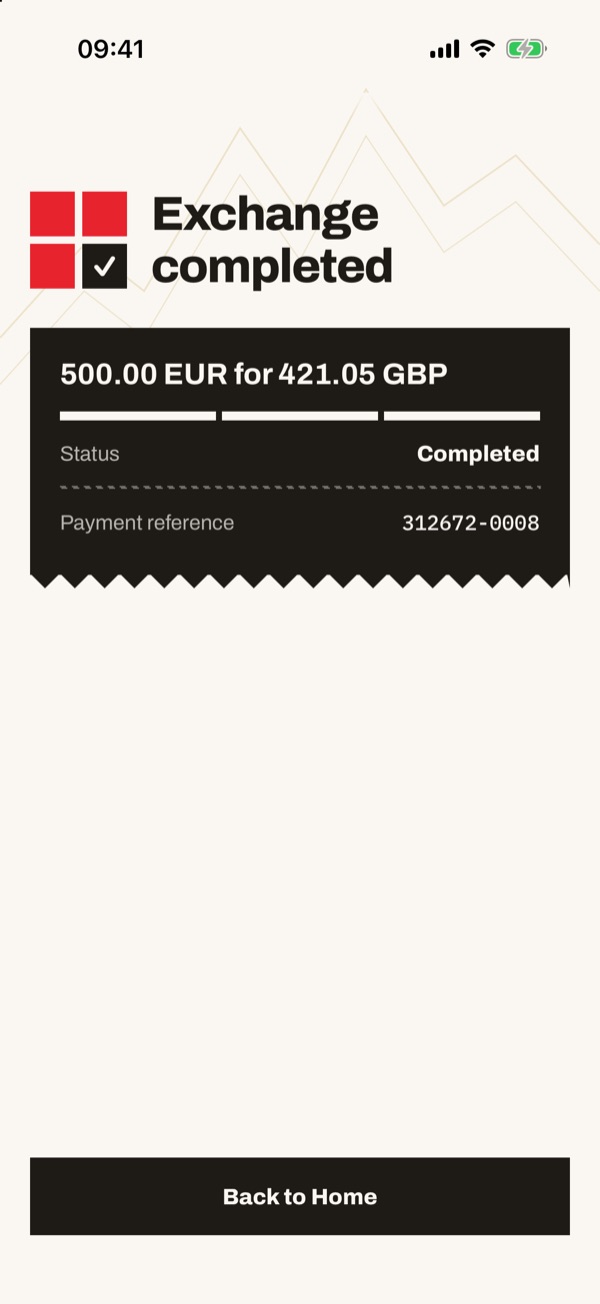
With “Exchange” you move money from one of your accounts in one currency to one of your accounts in another, for example from euros to pounds or dollars. Before you confirm you see the rate and how much you get. At the end the app shows a summary with the reference of the operation.
- 11
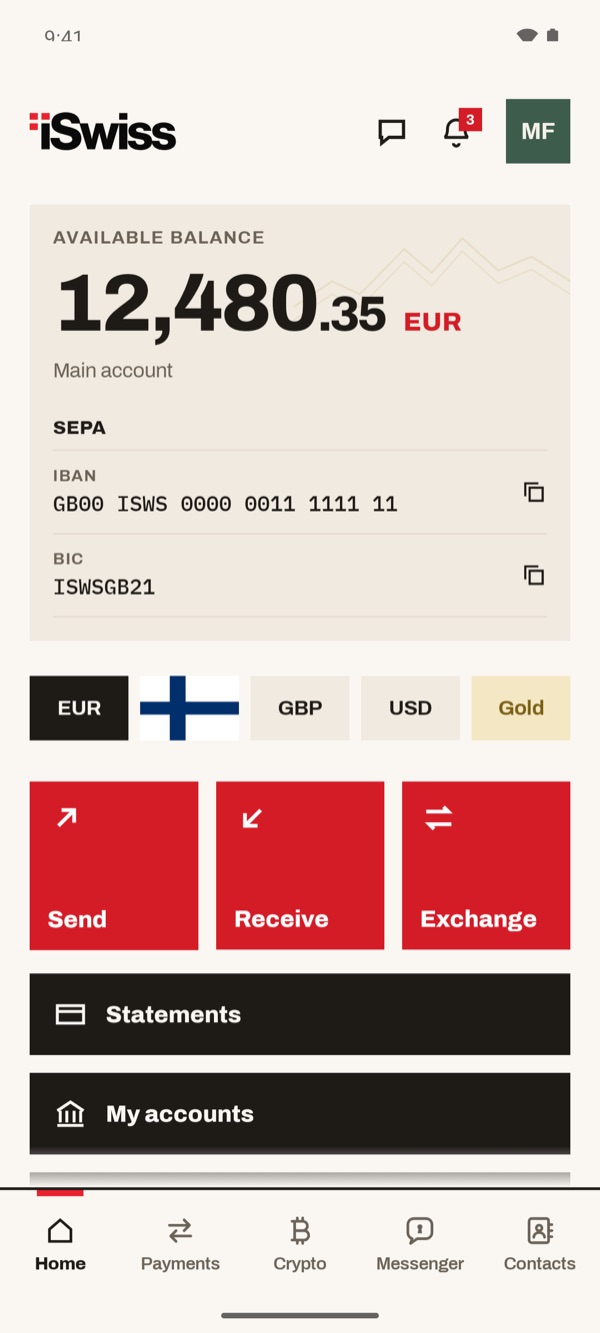
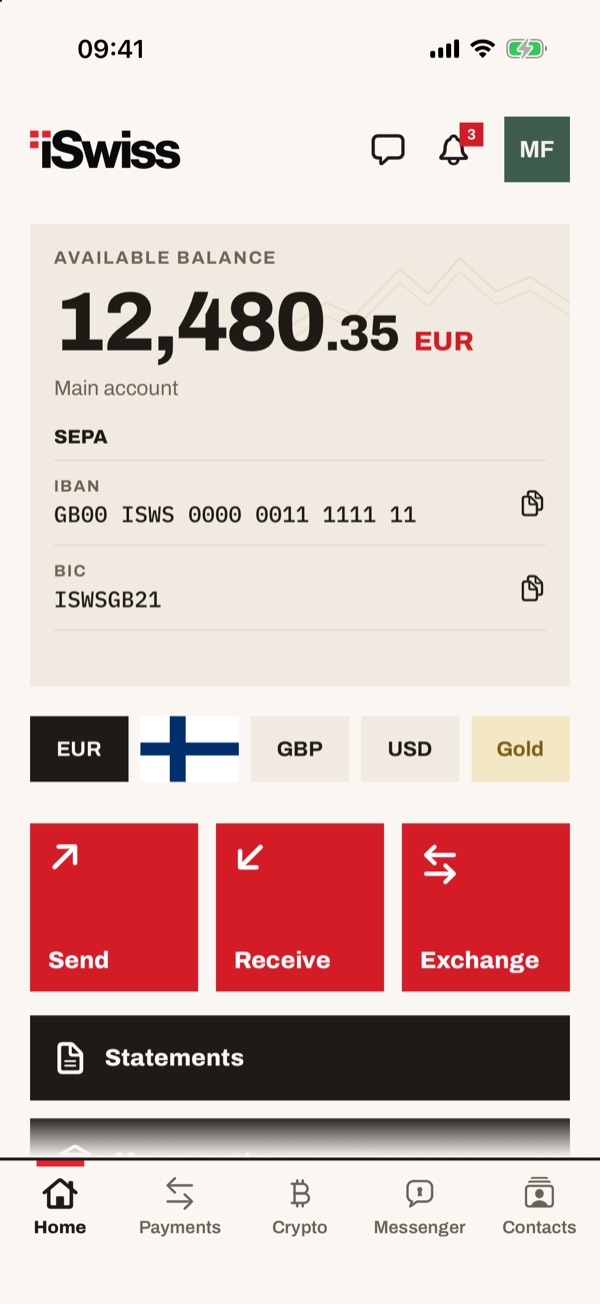
Tap “Exchange” in Home
In Home, below the balance, you find three red boxes: “Send”, “Receive” and “Exchange”. Tap “Exchange”.
- 22
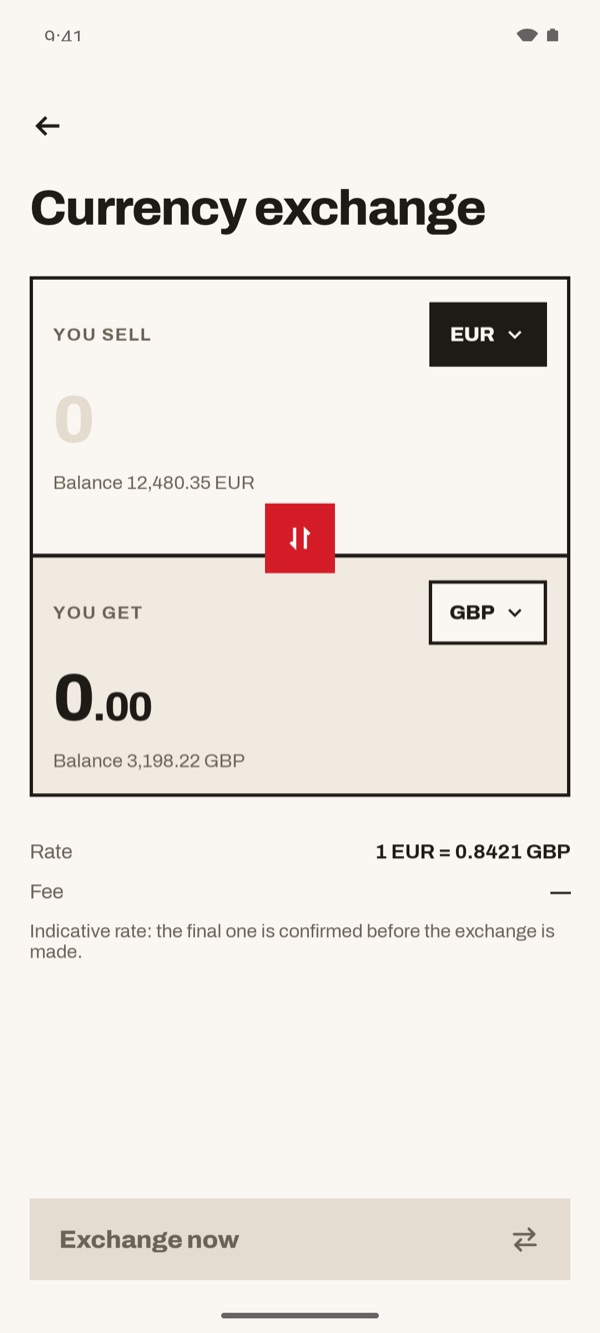
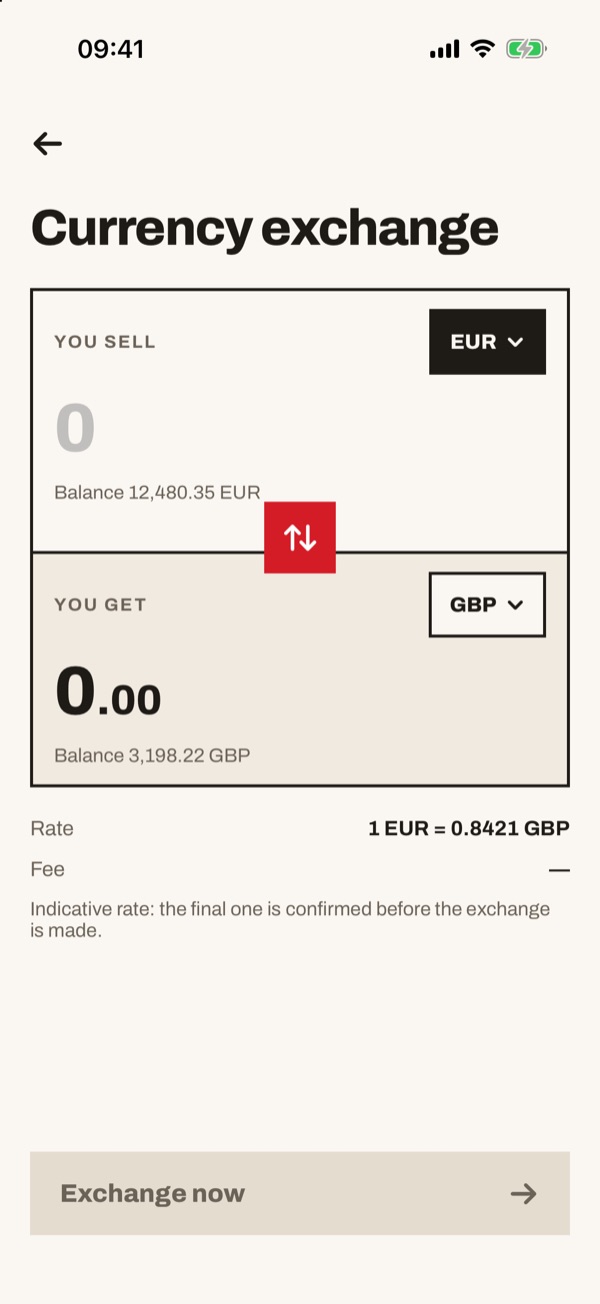
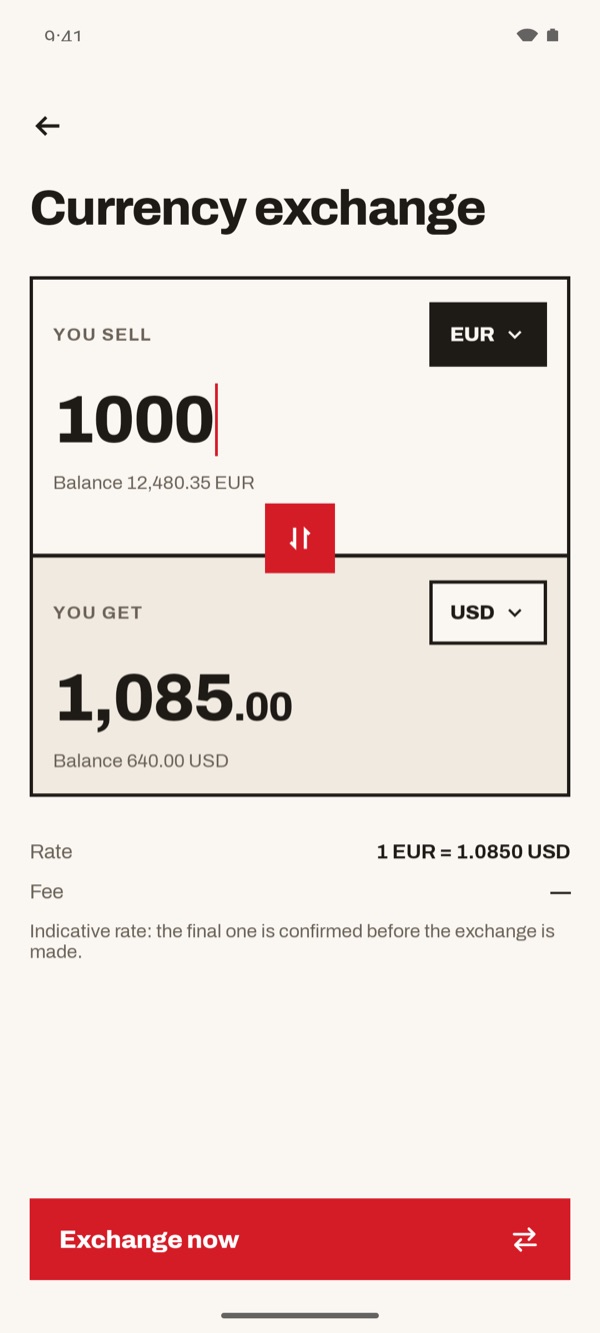
Look at the exchange screen
At the top is “You sell”, the currency you give, with the account balance. Below is “You get”, the currency you receive, with its balance. Further down you see the current “Rate”.
- 33
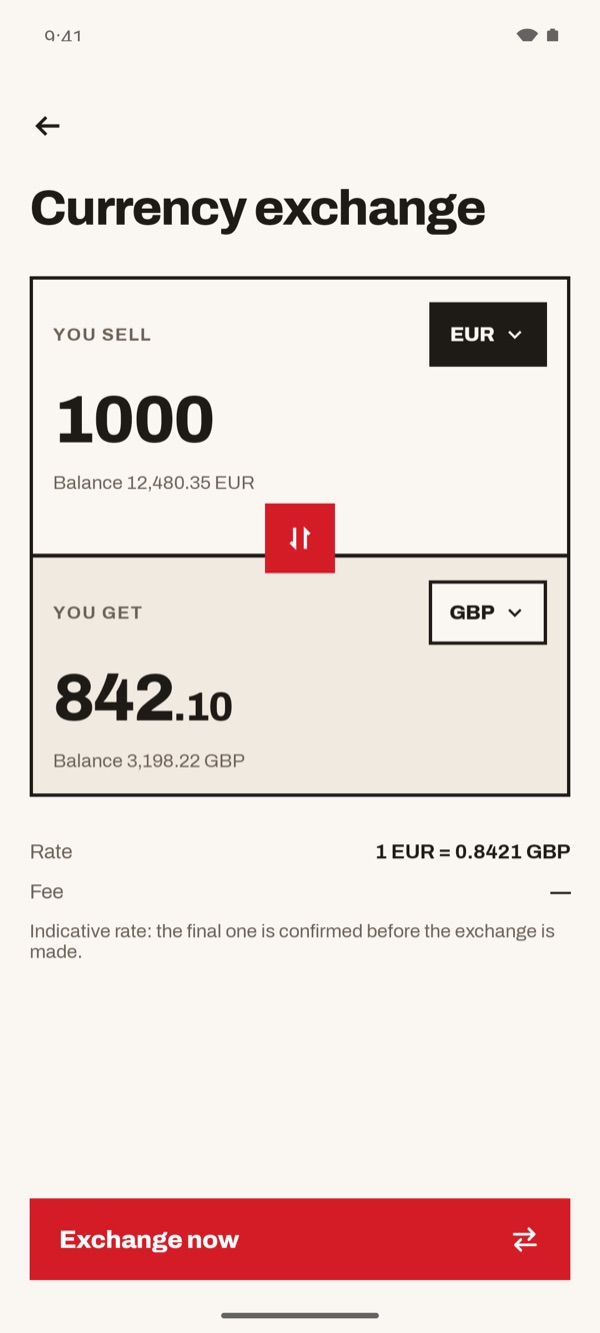
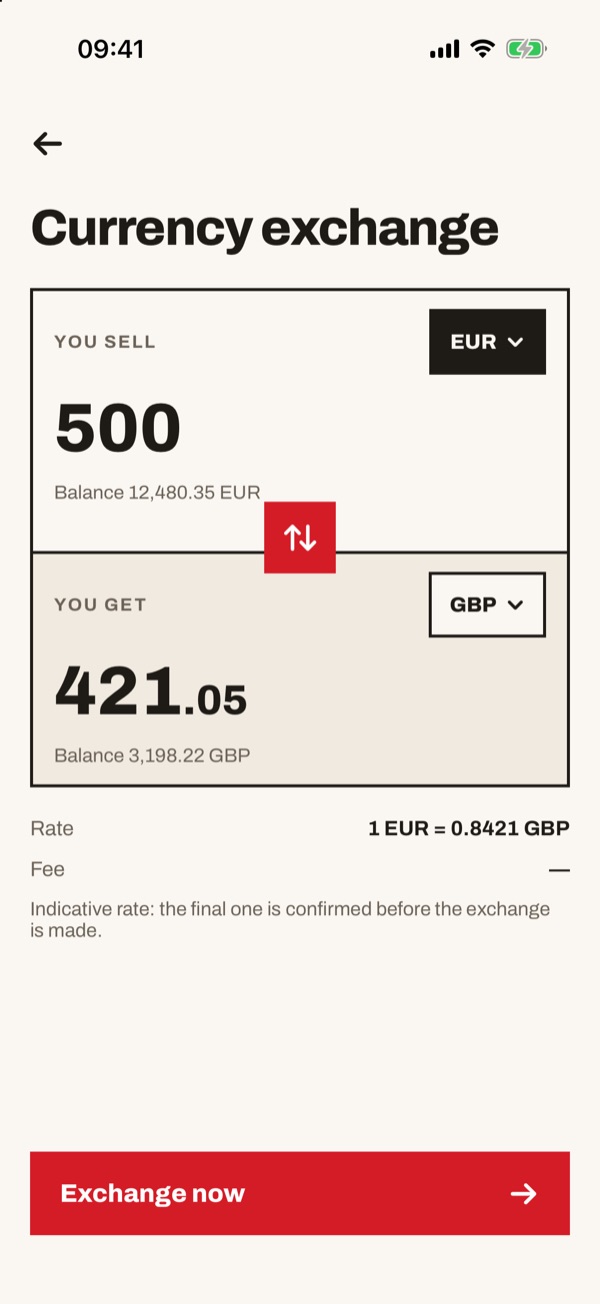
Type the amount
In the “You sell” box type how much you want to exchange. The “You get” box straight away shows how much you will receive, worked out with the rate shown below. The “Exchange now” button turns red.
- 44
Choose another currency, if you need to
Tap the currency in the “You get” box (for example “GBP”) and choose another one, such as “USD”. The amount to receive and the rate update by themselves.
- 55
Tap “Exchange now” and check the result
When you are ready, tap “Exchange now”. “Exchange completed” appears with the amount exchanged, the “Status” and the “Reference” of the operation. Tap “Back to Home” to finish.