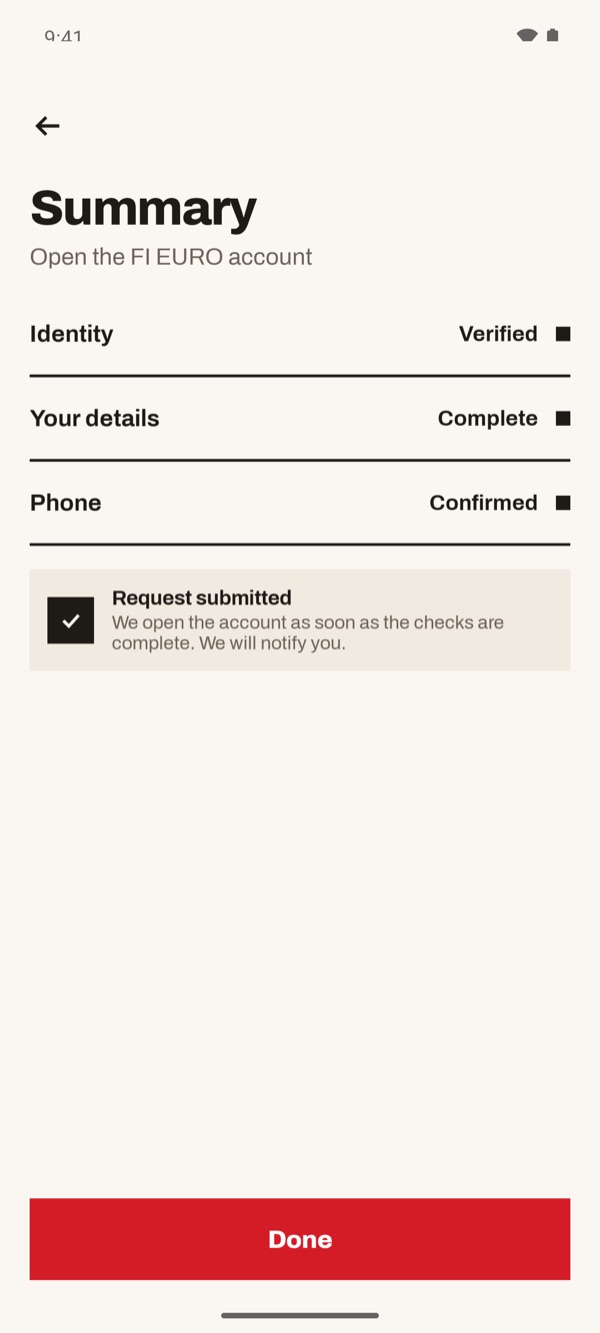
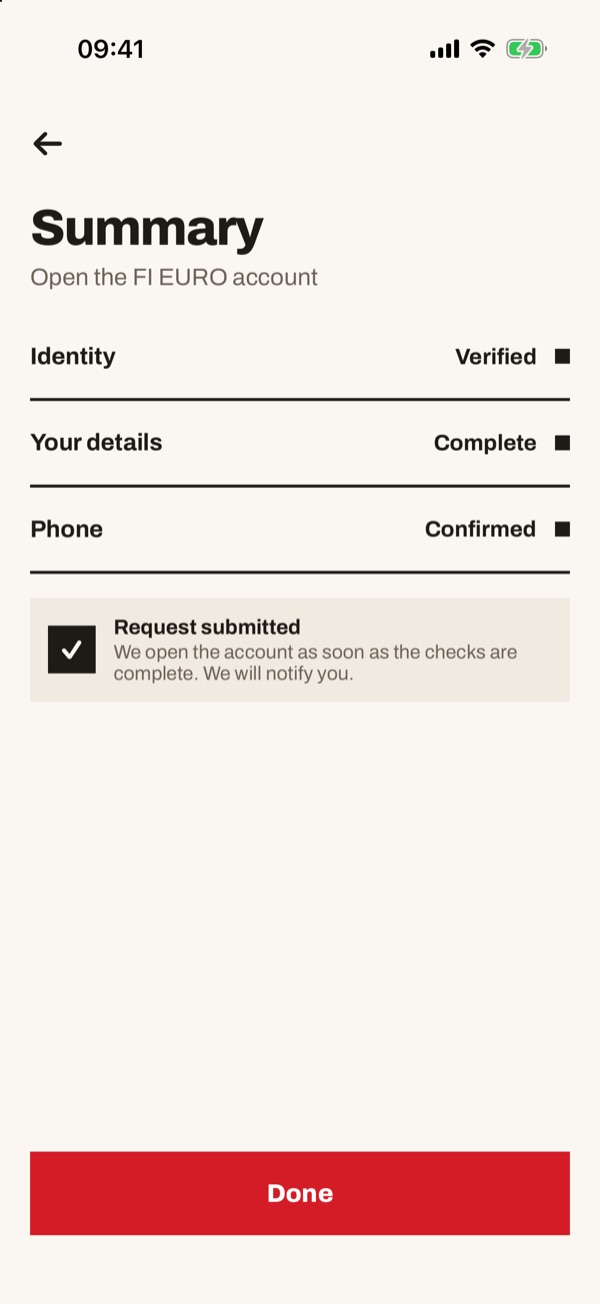
From “Open an account” you can add a new account to the ones you already have, for example the FI EURO account with a Finnish IBAN. You enter your identity and details only once. At the end you send the request and get a notification when the account is open.
- 11
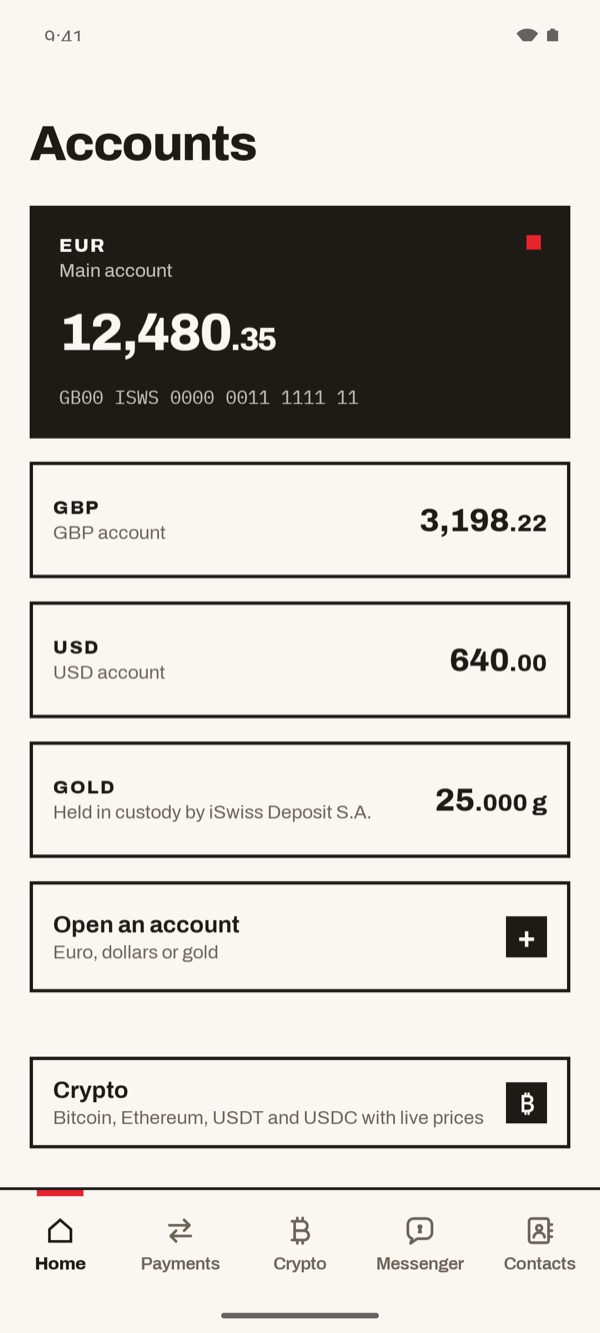
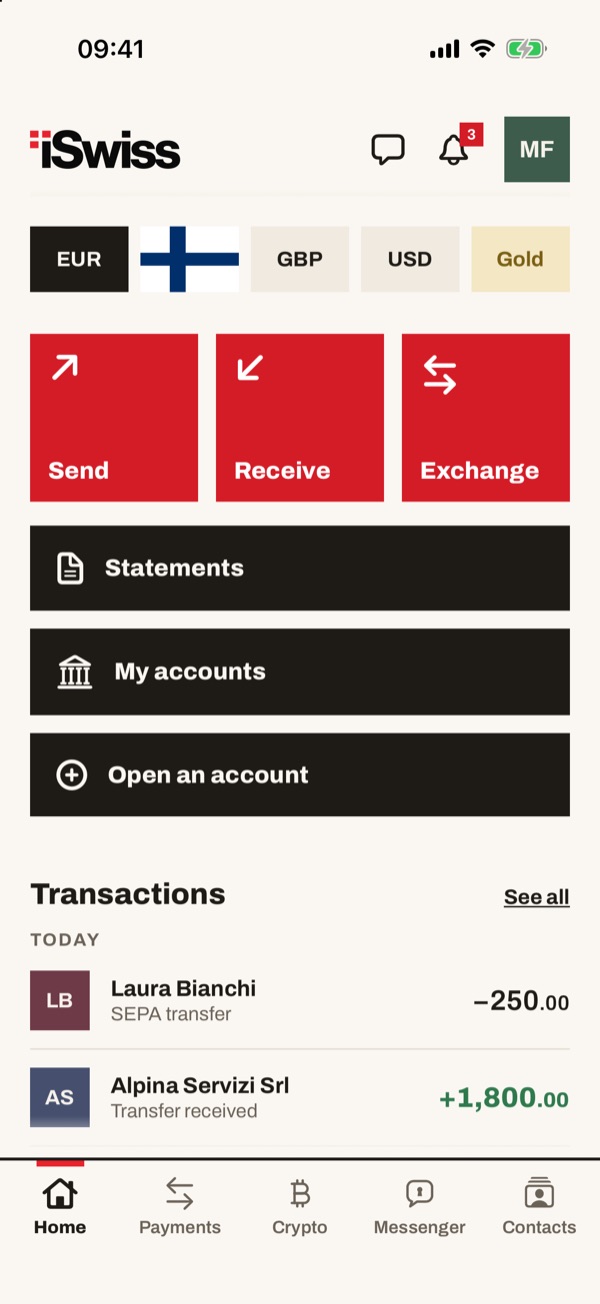
Tap “Open an account”
On the “Accounts” screen, below the list of your accounts, you find the “Open an account” box (Euro, dollars or gold). Tap the “+”.
In Home, below “Statements” and “My accounts”, tap “Open an account”.
- 22
Choose the account to open
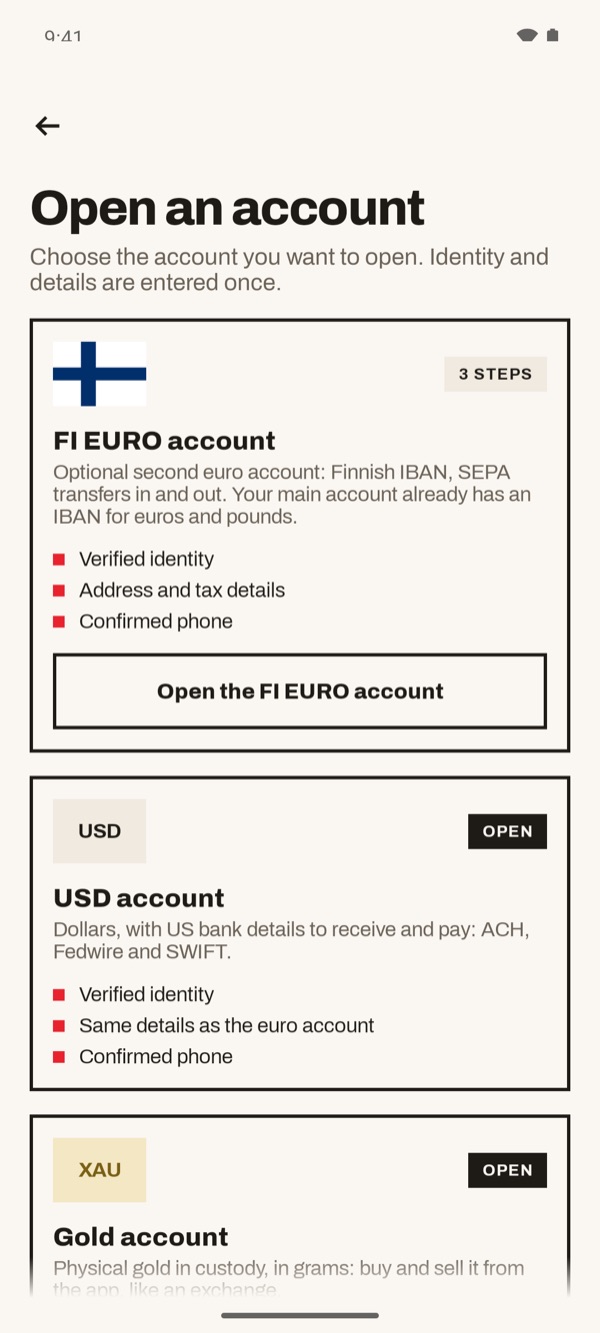
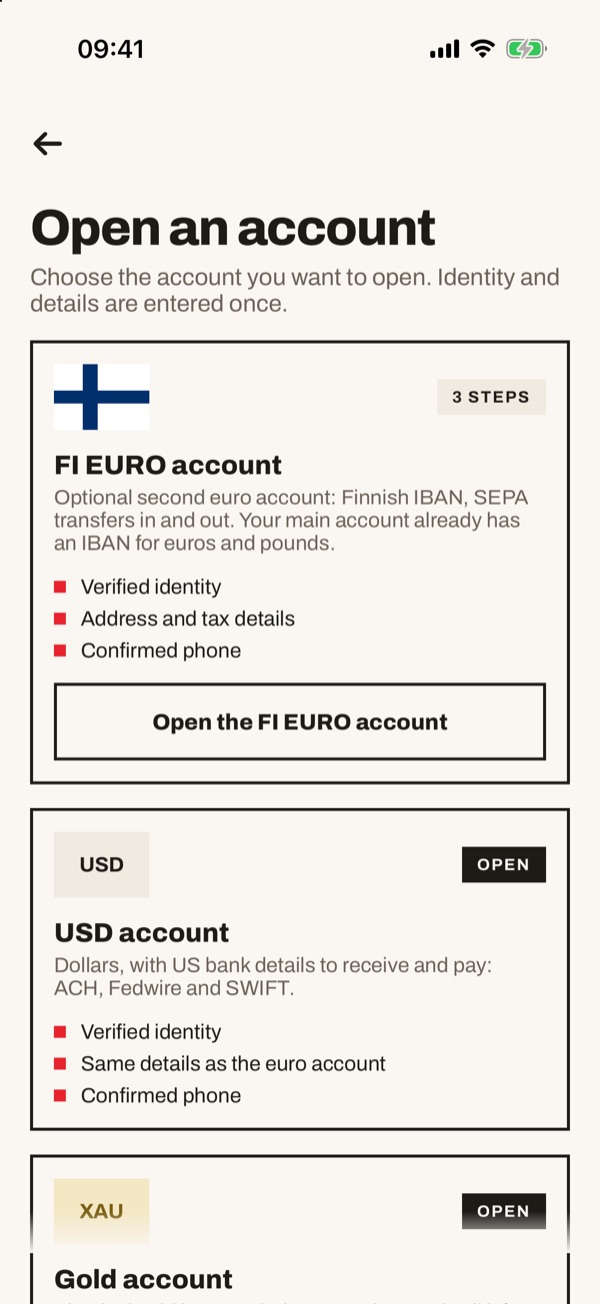
You see the list of available accounts, each with a short description and what you need to open it. The accounts you already have are marked “OPEN”. For the FI EURO account tap “Open the FI EURO account”.
- 33
Complete your residence and details
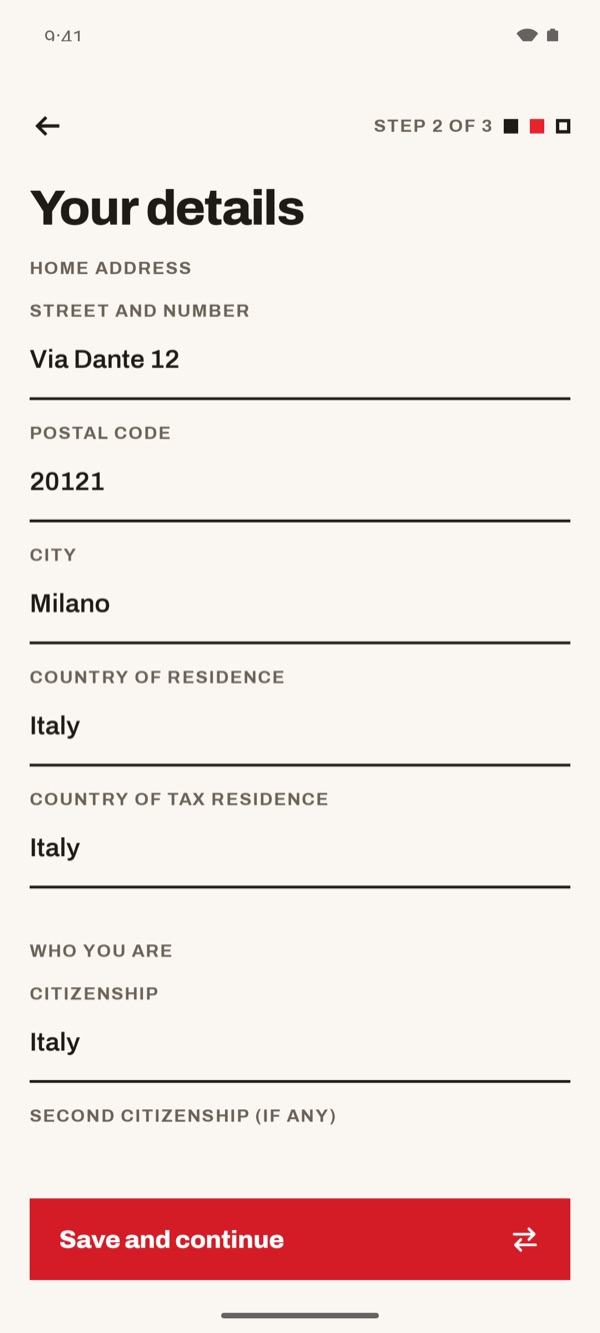
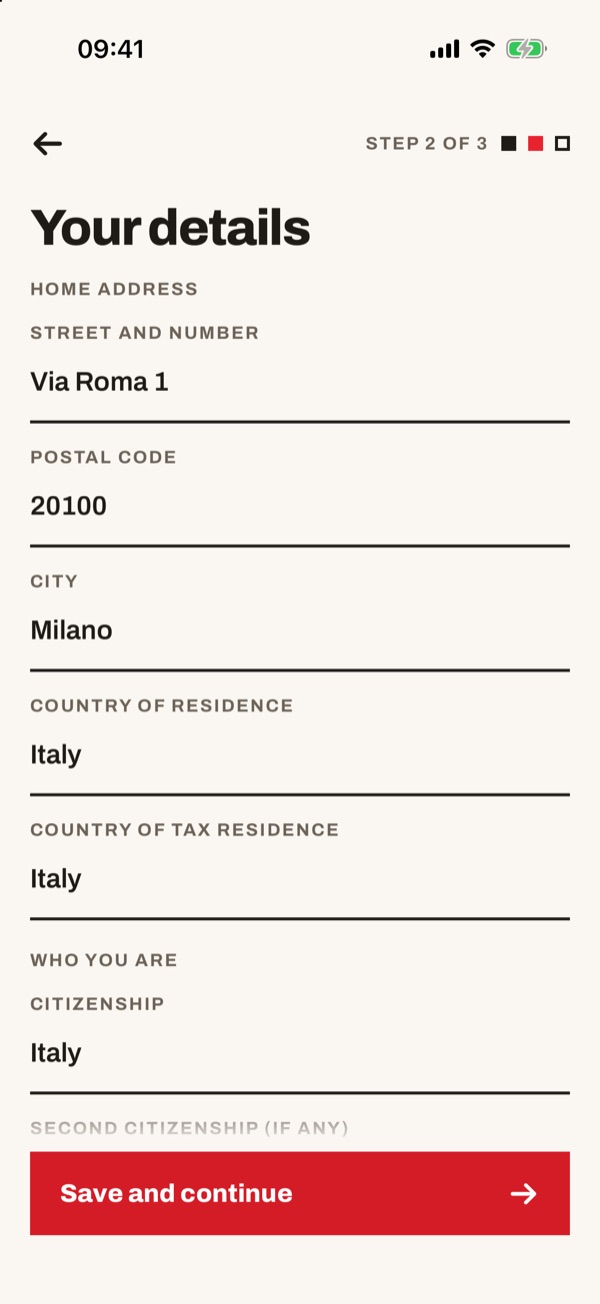
At “STEP 2 OF 3”, on the “Your details” screen, check or enter street and number, postcode, city, country of residence, country of tax residence and citizenship. If you have a second citizenship, add it.
- 44
Say how you will use the account
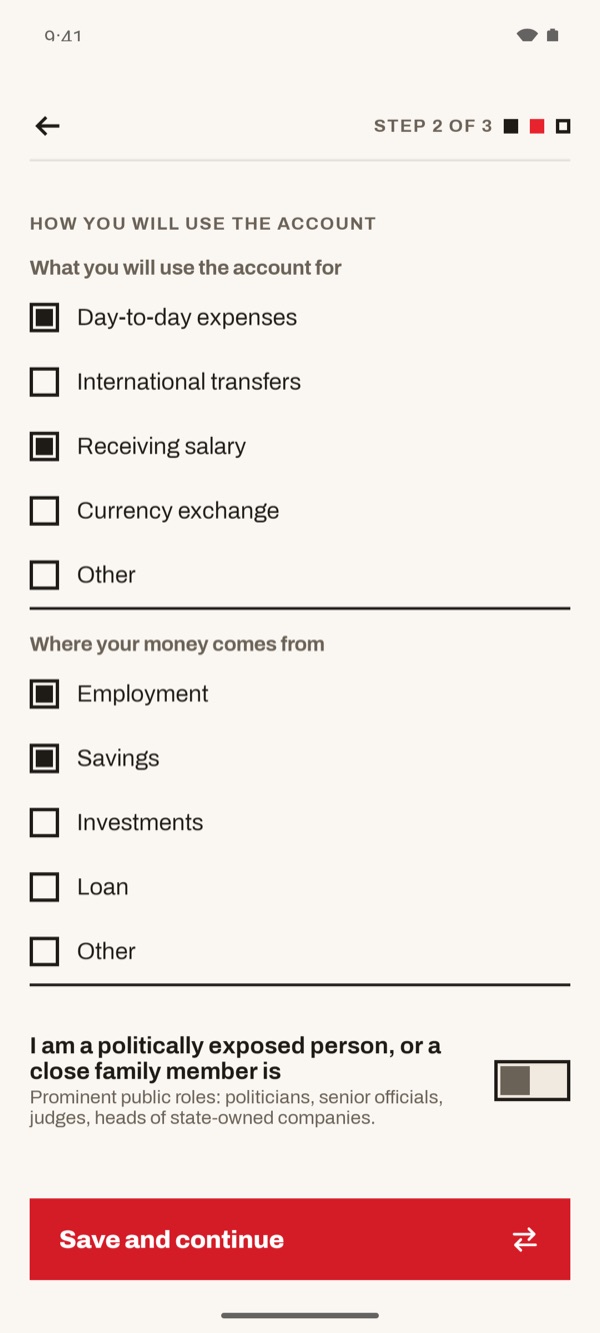
Scroll down. In “What you will use the account for” and “Where your money comes from” tick the options that apply to you. Further down, say whether you are a politically exposed person, or whether a close family member is. Then tap “Save and continue”.
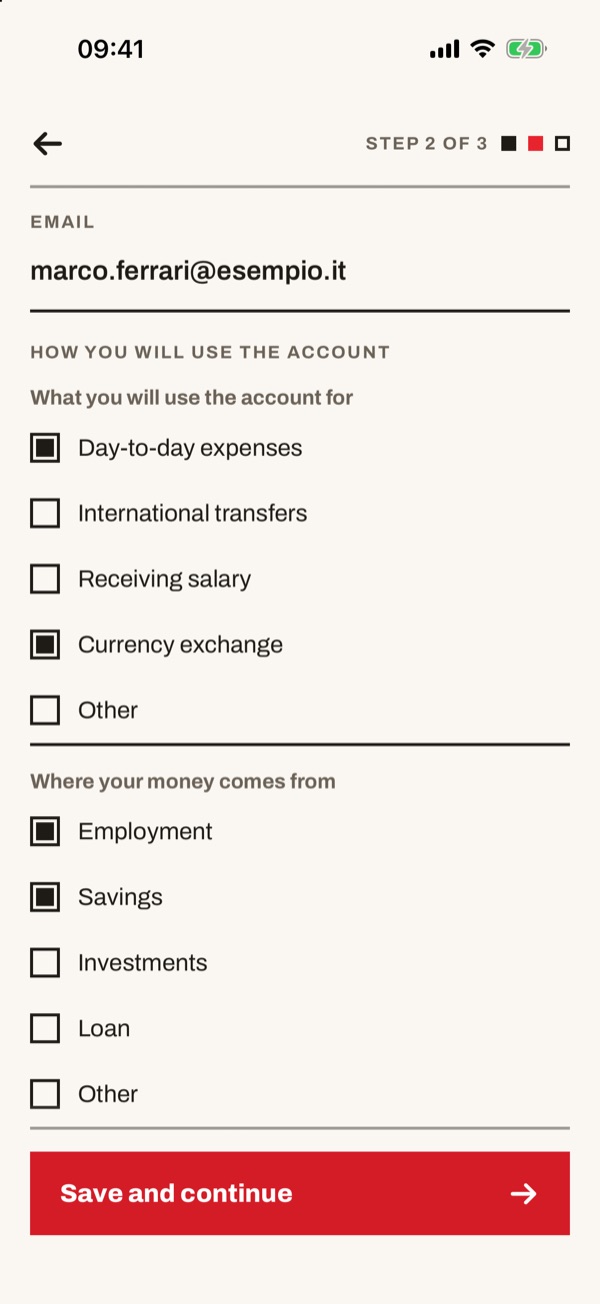
Scroll down: above you also find your email. In “What you will use the account for” and “Where your money comes from” tick the options that apply to you. Further down, say whether you are a politically exposed person, or whether a close family member is. Then tap “Save and continue”.
- 55
Check the summary and send
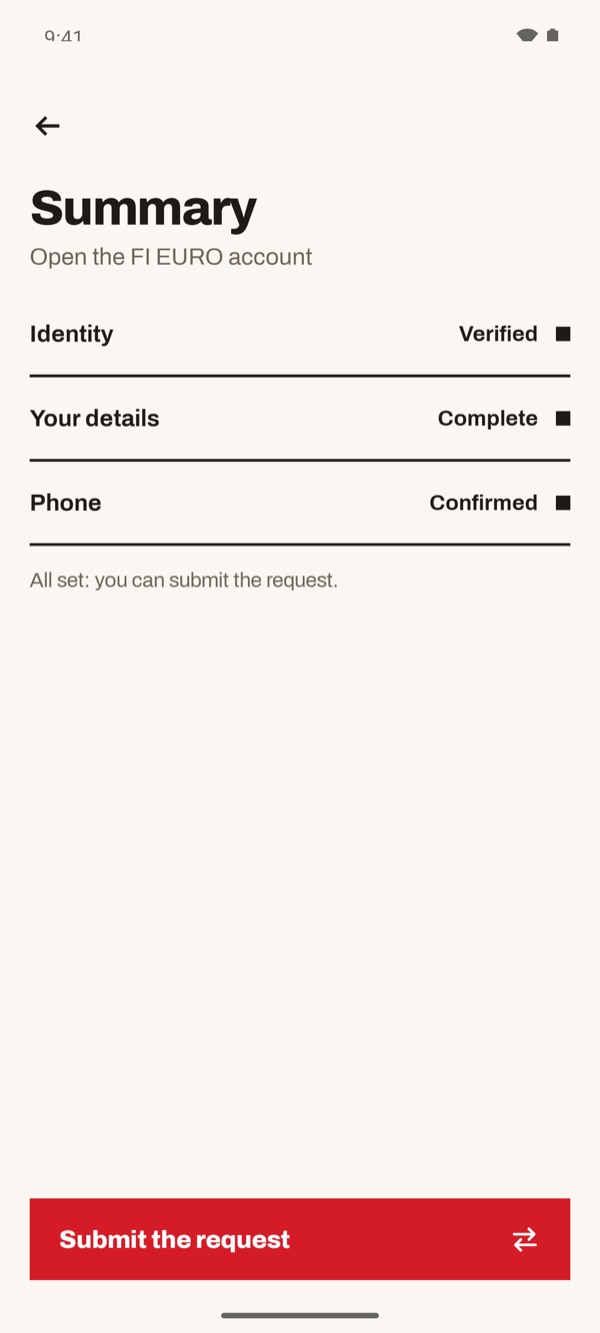
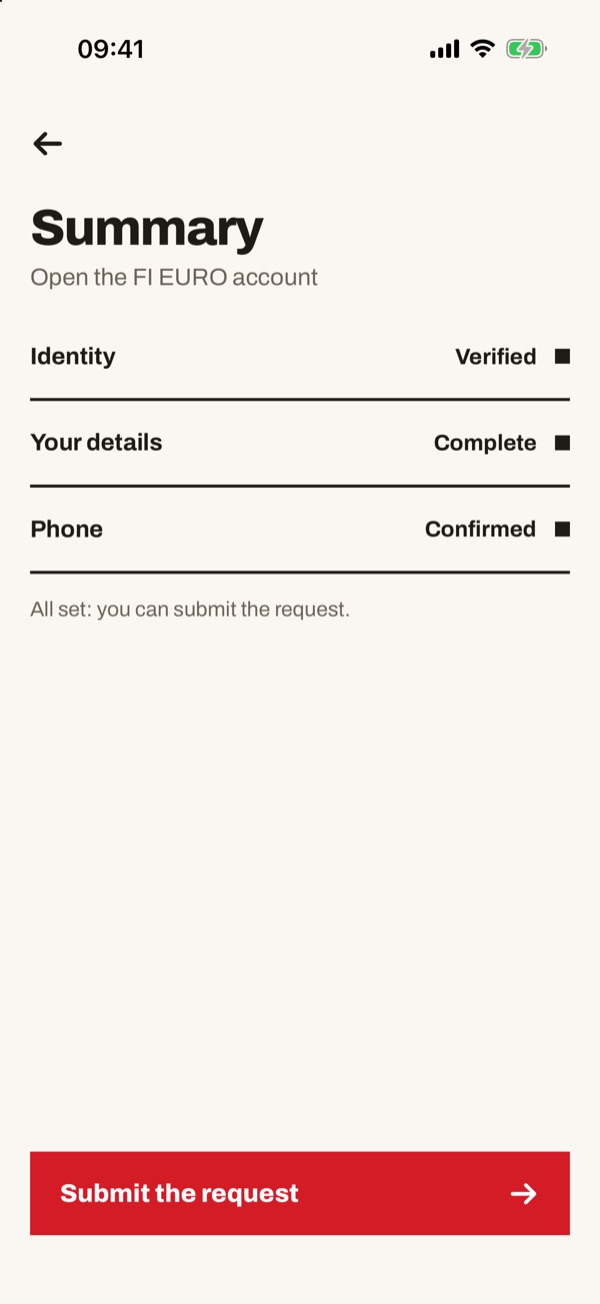
In the “Summary” you see the status of “Identity”, “Your details” and “Phone”. If you see “All set: you can submit the request.”, tap “Submit the request”.
- 66
Request submitted
The “Request submitted” box appears: the account is opened as soon as the checks are complete, and we let you know with a notification. Tap “Done”.