Messenger lets you write to and call other iSwiss clients straight from the app. To find a person, their iSwiss username is enough: you don't need their phone number. Messages and calls are encrypted.
- 11
Open Messenger
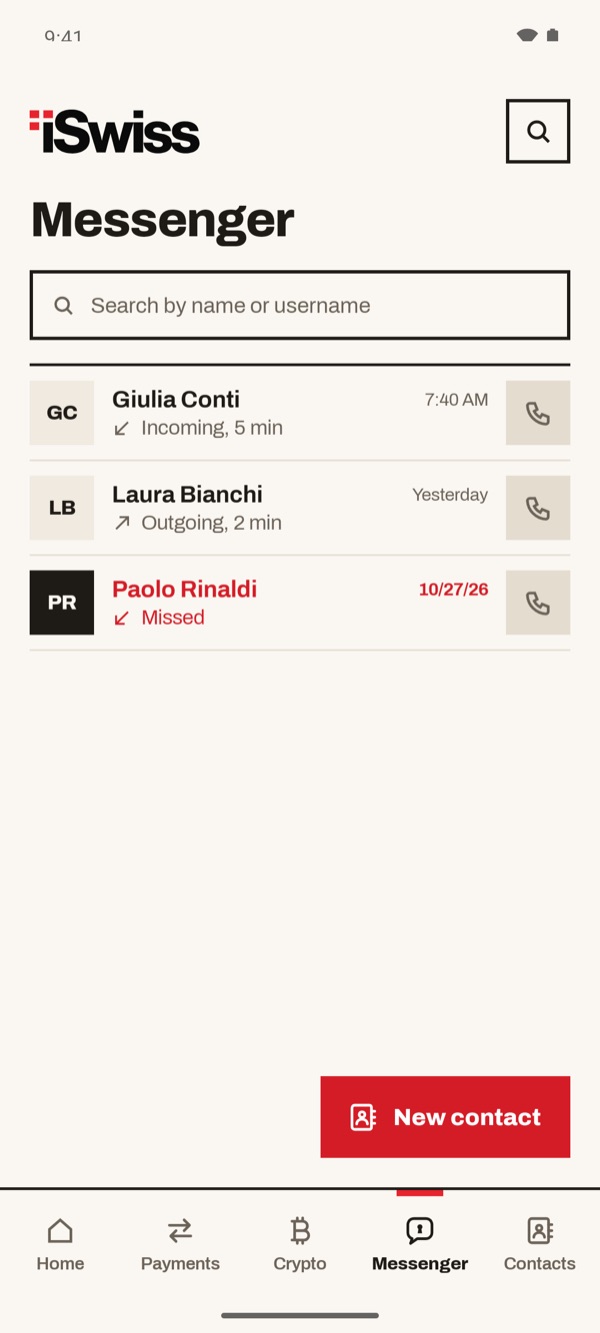
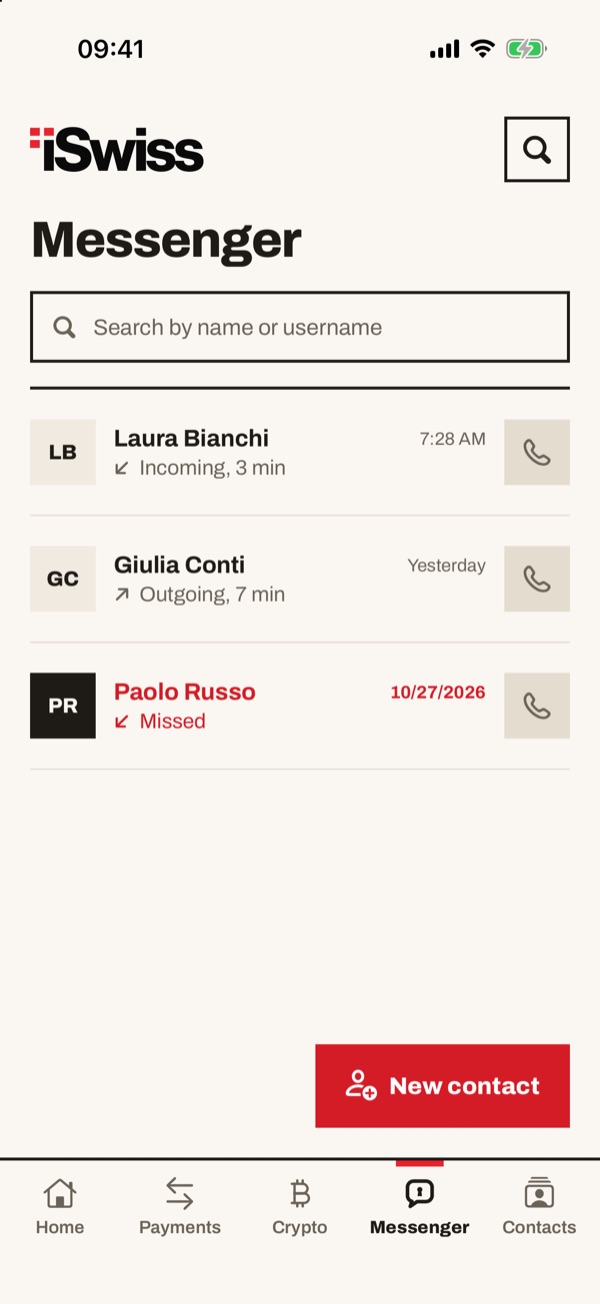
Tap “Messenger” in the bar at the bottom. You see the list of your latest calls: for each one there is the name, whether it was incoming or outgoing and how long it lasted. Missed calls are in red with the word “Missed”. The button with the handset on the right calls the person back.
- 22
Search for the username and choose “Call” or “Write”
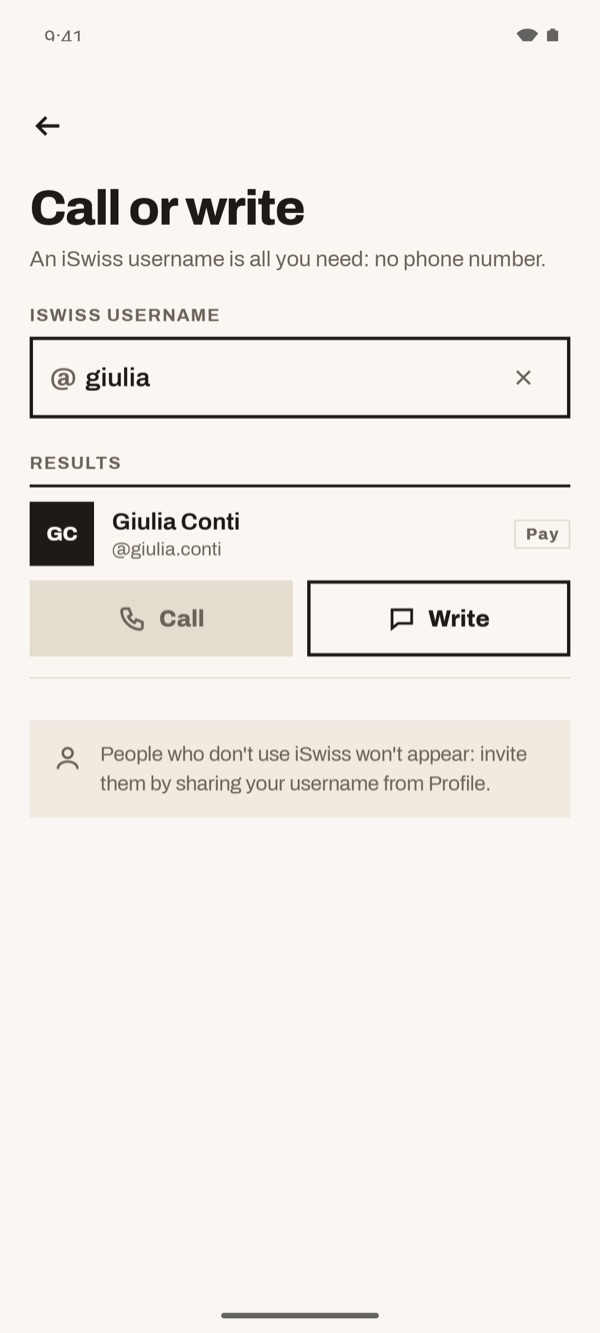
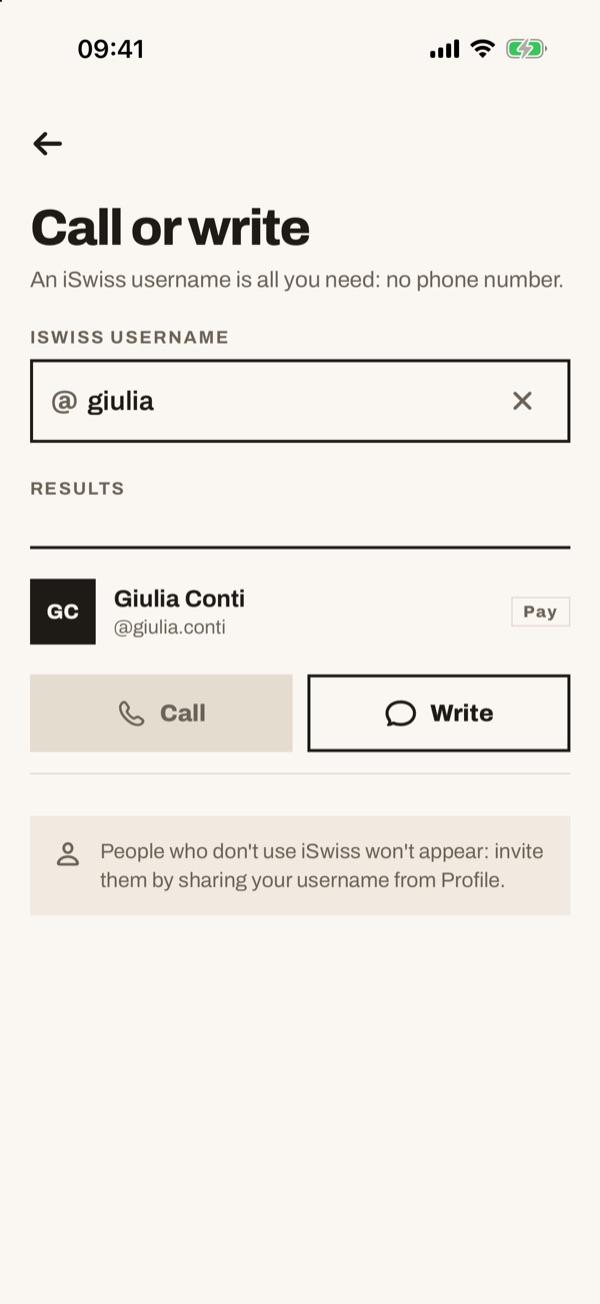
Tap “New contact”. The “Call or write” page opens: in the “iSwiss username” field enter the person's username. Under “Results” their name appears: tap “Call” to phone them or “Write” to send them a message.
- 33
Write a message
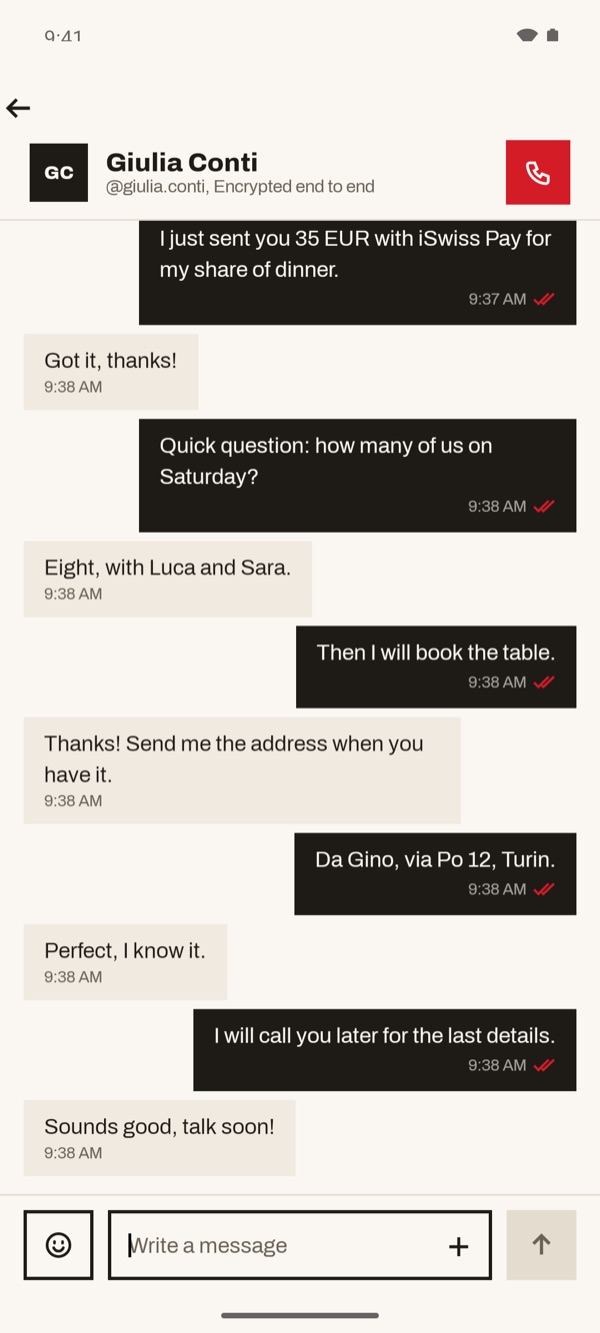
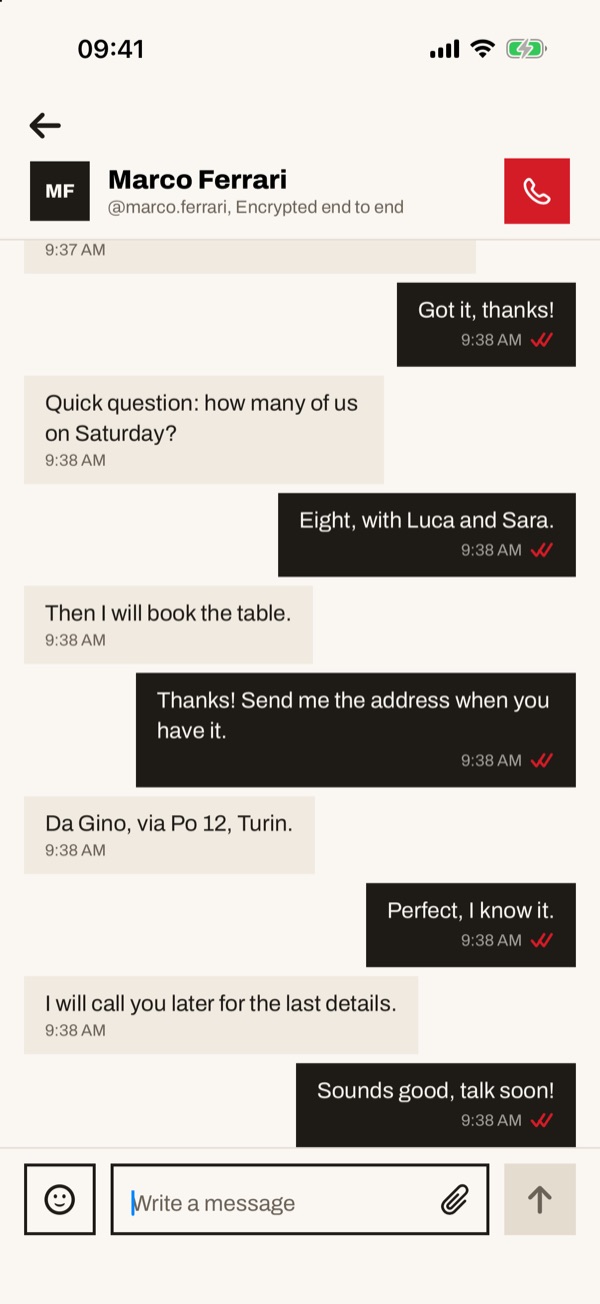
Tap “Write”: the conversation opens. At the top you see the name, the username and “Encrypted end to end”. Type in the “Write a message” field and tap the arrow to send. Ticks appear next to the time of each of your messages.
Tap “Write”: the conversation opens. At the top you see the name, the username and “Encrypted end to end”. Type in the “Write a message” field and tap the arrow to send. If the other person writes to you first, “Invitation” appears in the list: tap it and choose “Accept”.
- 44
Call
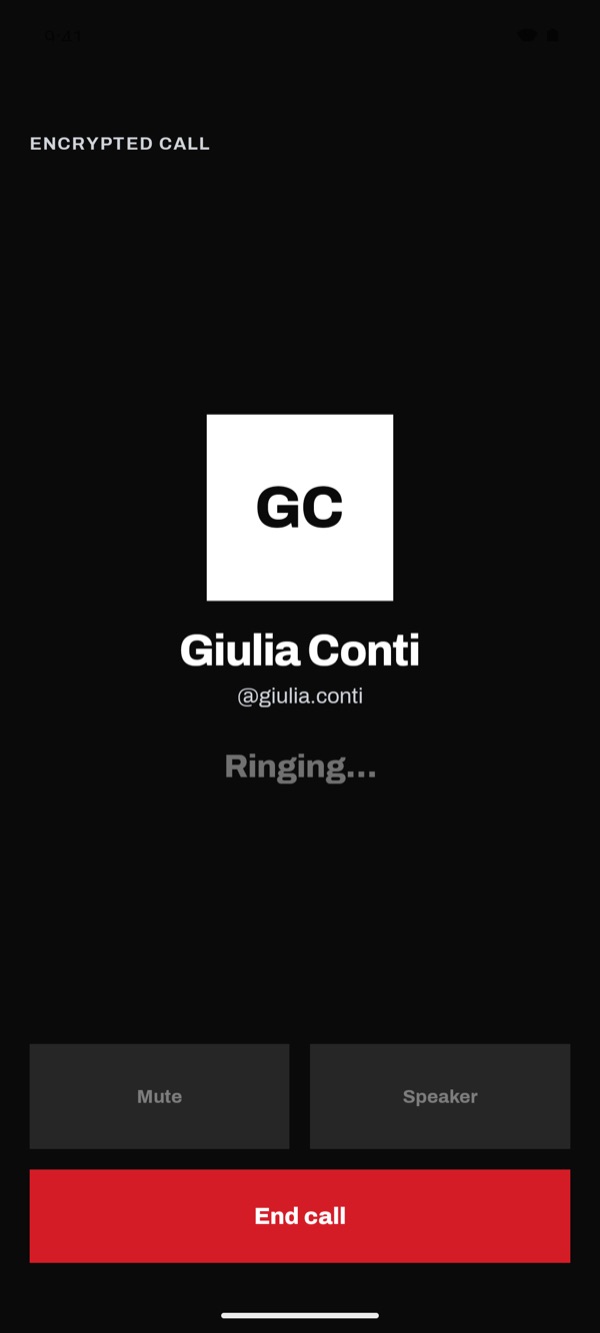
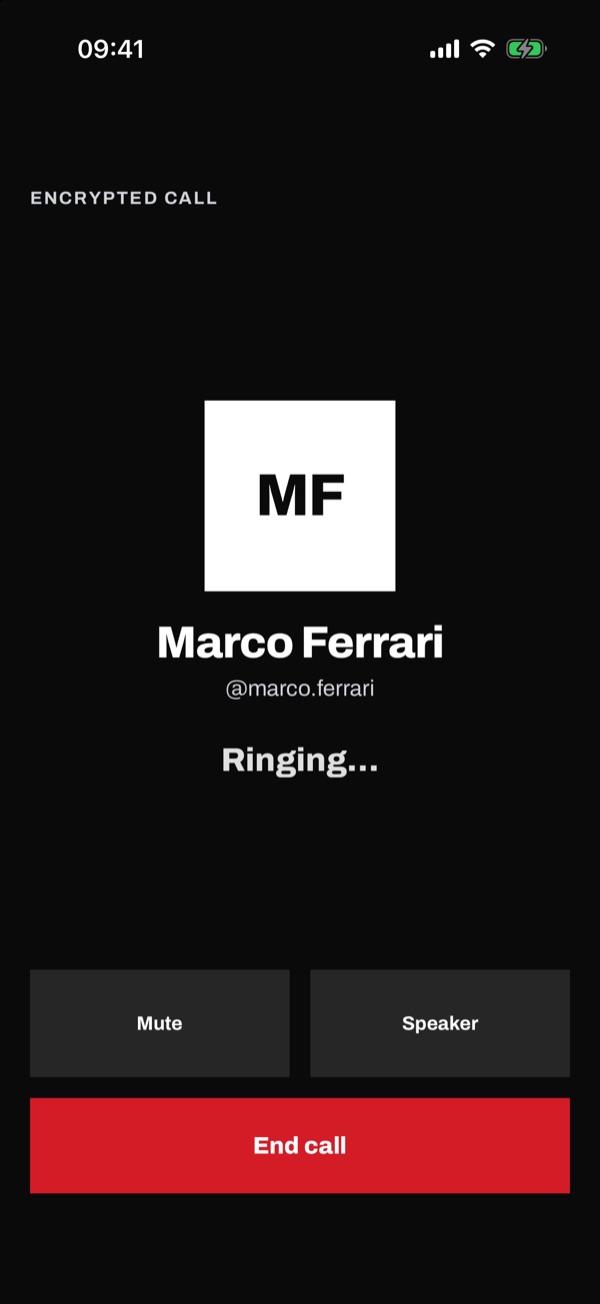
In the conversation tap the red handset at the top right, or “Call” in the search results. The “Encrypted call” screen opens and shows “Ringing…” until the other person answers. The first time, the app asks for permission to use the microphone: allow it, otherwise they can't hear you.
- 55
Answer a call
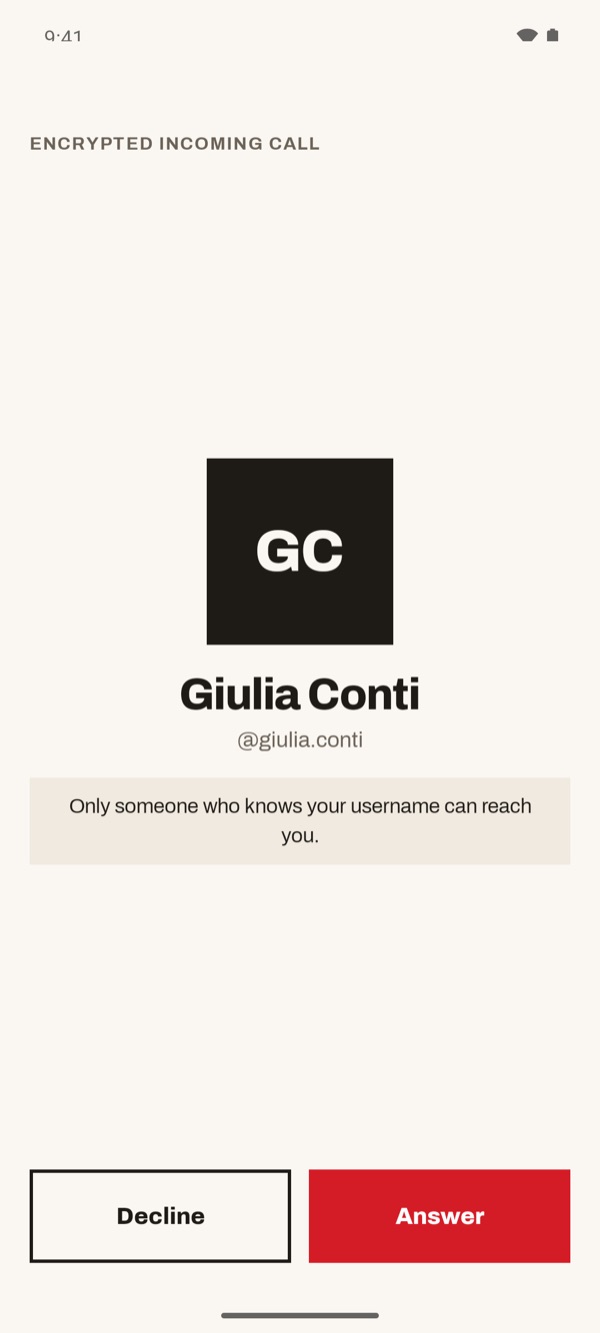
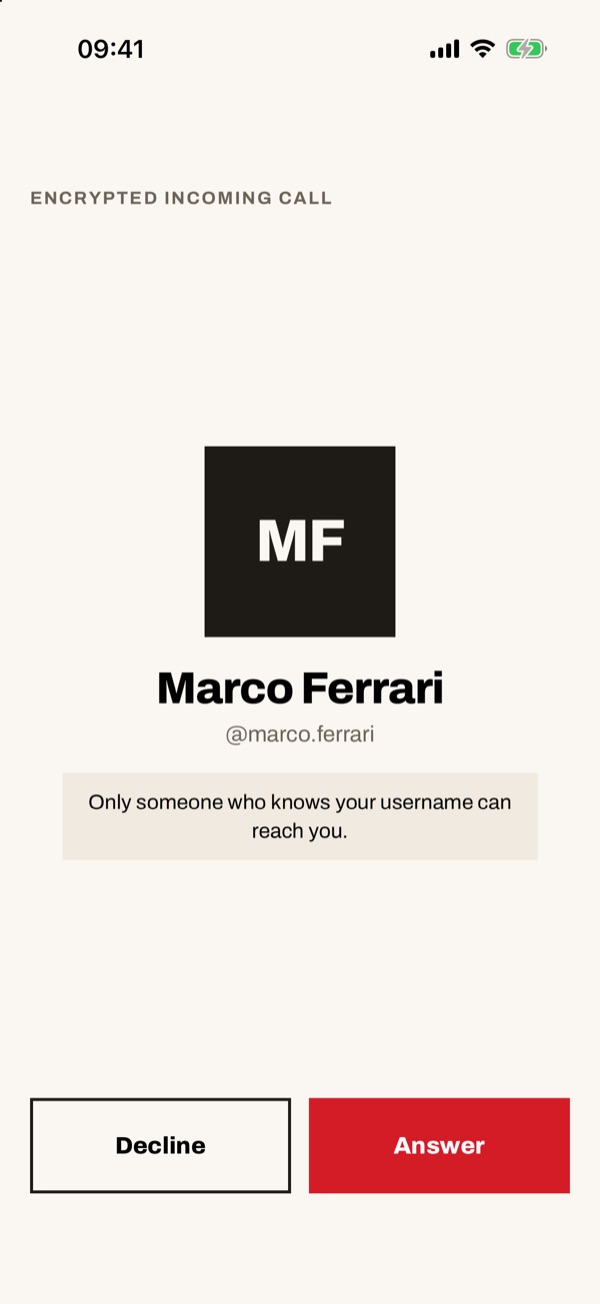
When someone calls you, “Encrypted incoming call” appears with the caller's name and username. Tap “Answer” to talk or “Decline” to not answer.
- 66
During the call
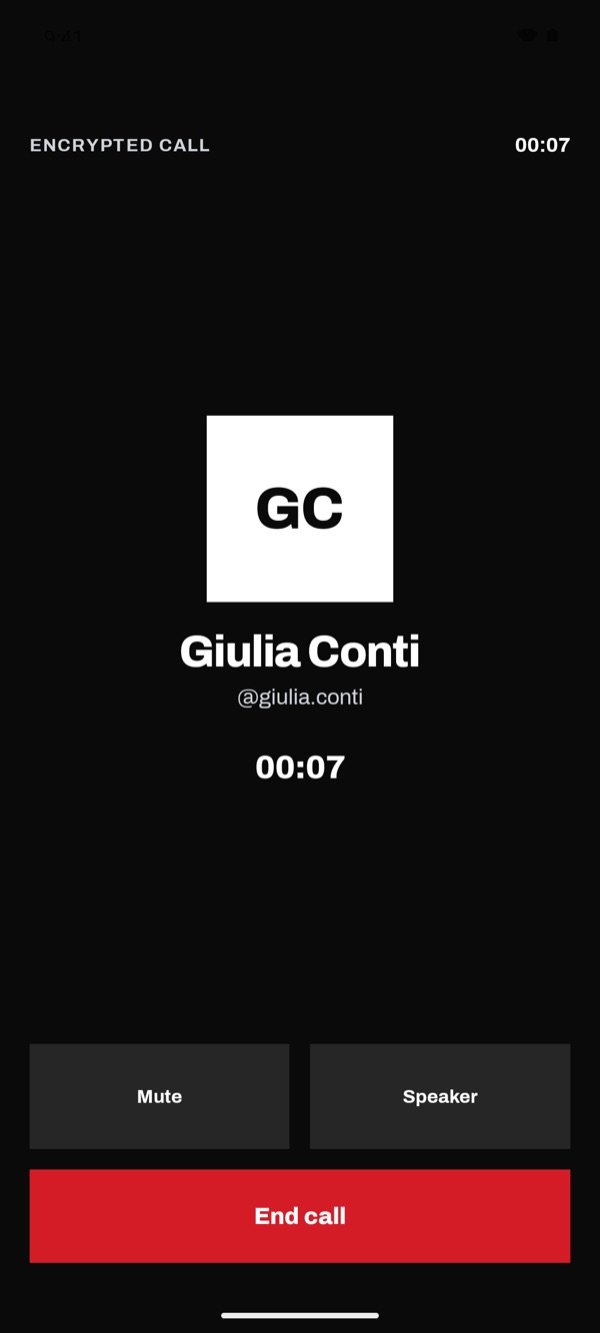
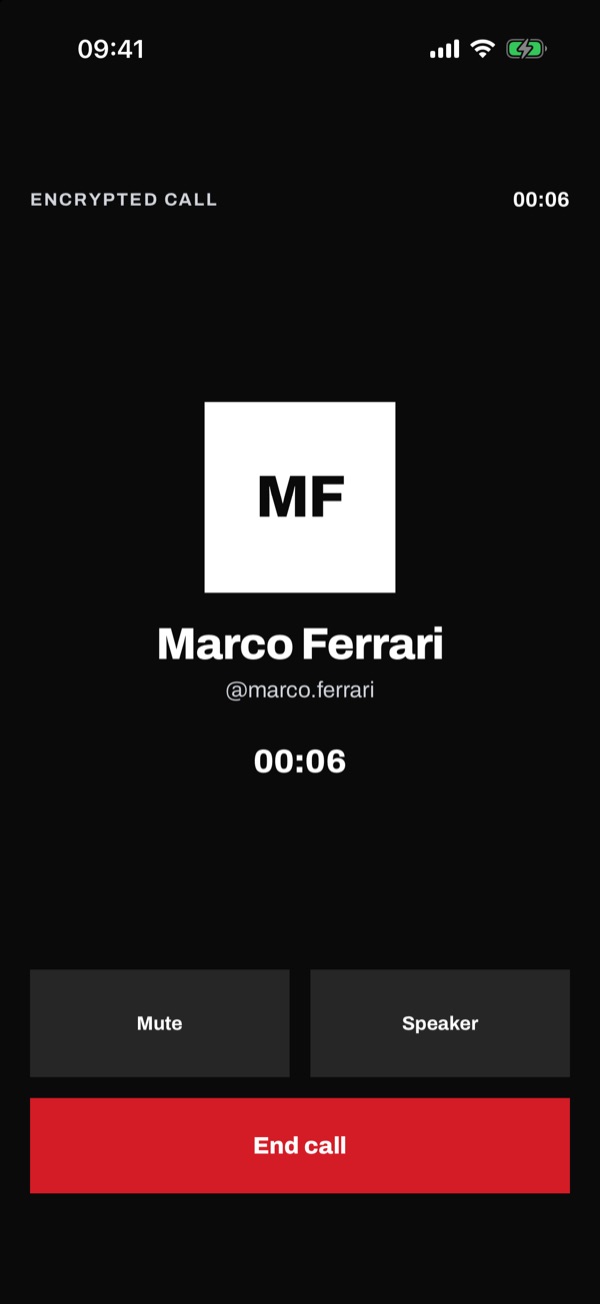
When the other person answers, a call timer replaces “Ringing…”. Tap “Mute” to turn off your microphone, “Speaker” for hands-free and “End call” to hang up.